
HEXOSTUDIOS






SCROLL
THE INTERFACE
Designedtofeellikeapieceofhardware.
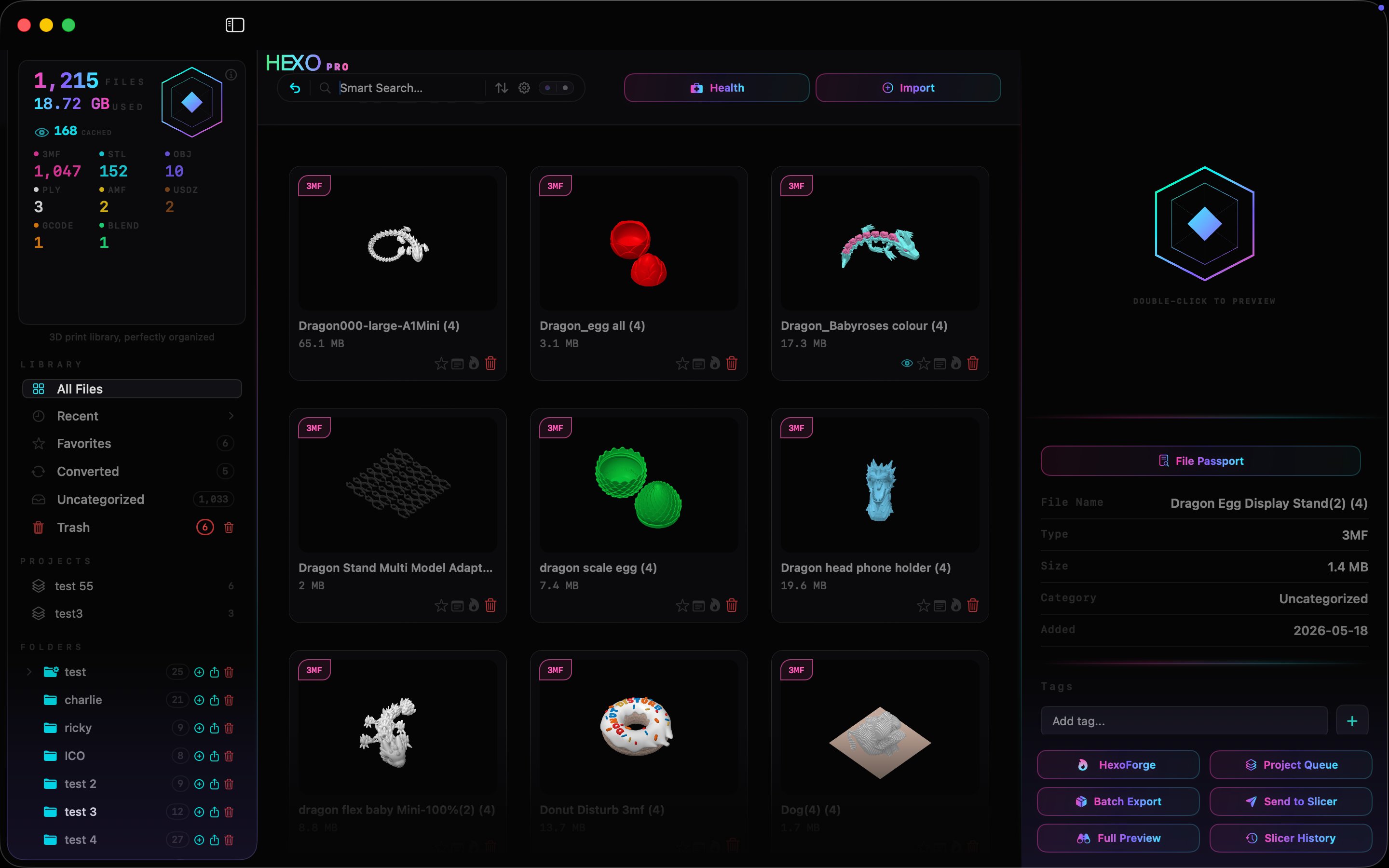
Synchronized holographic gradients. Ambient LED themes you can swap and dim. Glass buttons that catch light. Every pixel earns its keep.
YOUR LIBRARY
All your file types — organized, stored, neatly shelved.
3MF
STL
OBJ
PLY
AMF
USDZ
15+
SUPPORTED FORMATS
6
LED AMBIENT THEMES
1
CLICK TO SEND TO SLICER
0
FILES UPLOADED TO A CLOUD
CAPABILITIES & FEATURES
Built for the workshop.
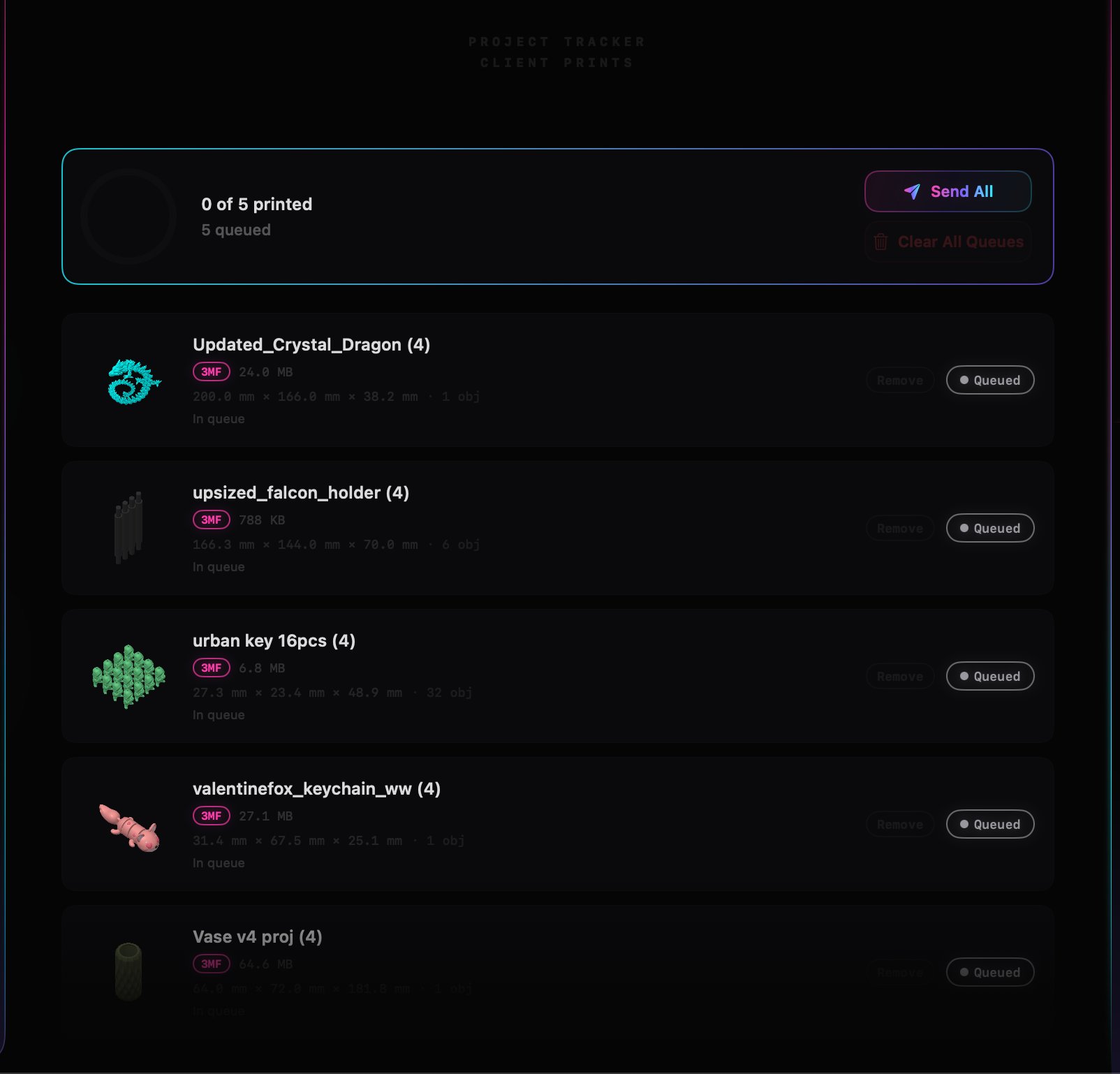
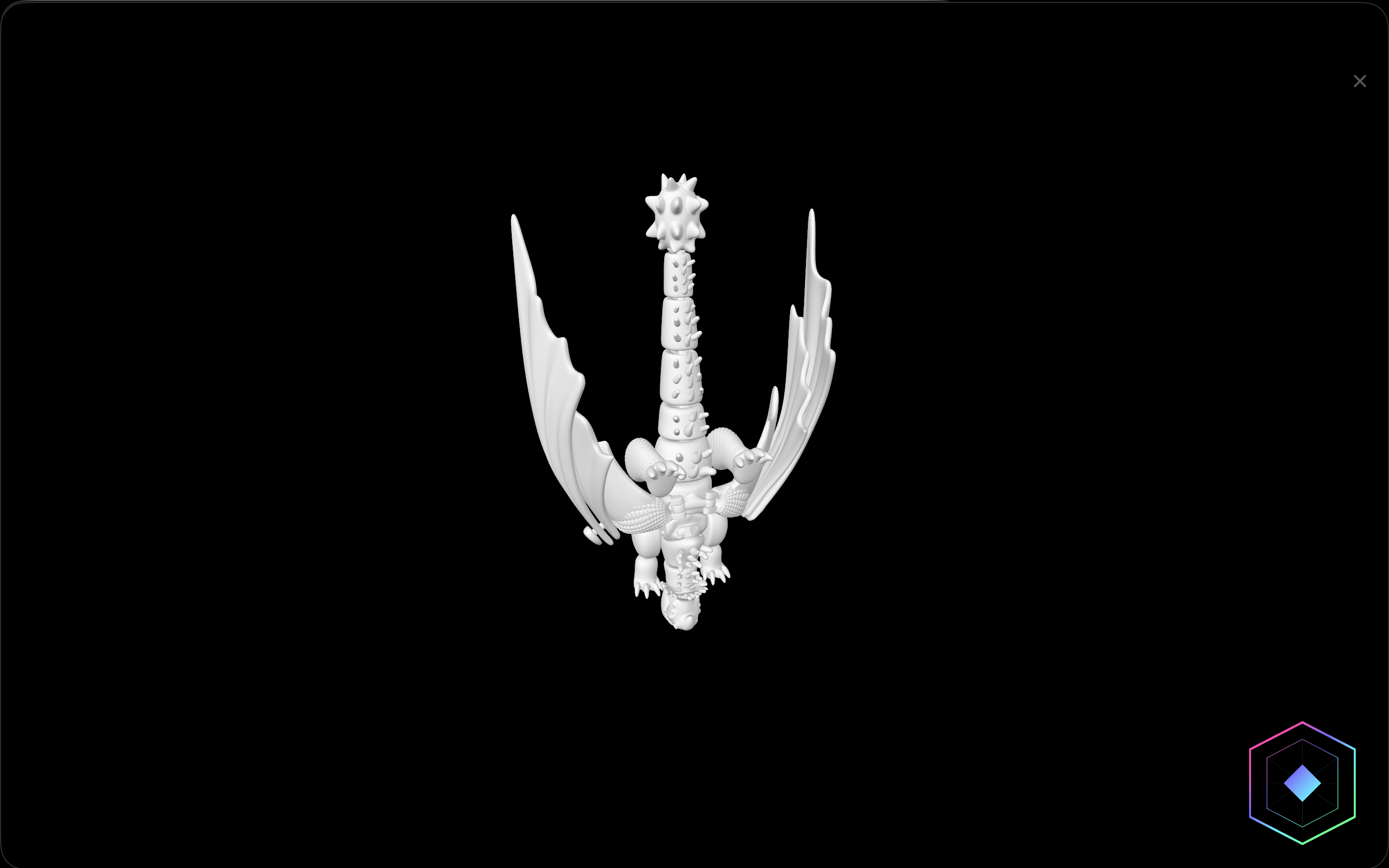
HEXOFORGE
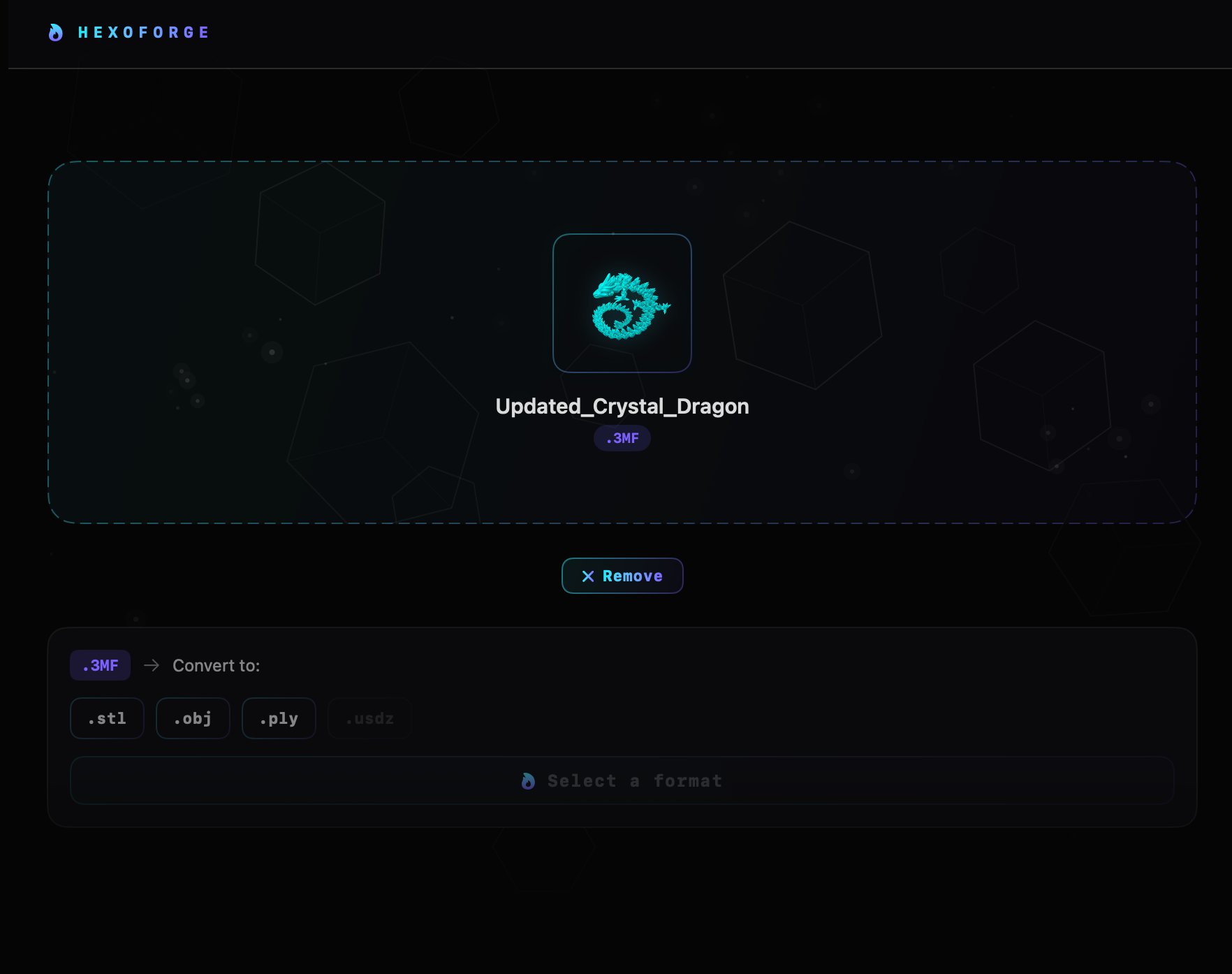
Convertany format.Locally.
HexoForge runs the conversion engine directly on your Mac. No file ever leaves your machine. No subscription. No per-file caps. Drop an STL in, get a 3MF out. Or an OBJ. Or a PLY. The cloud isn't invited.
.STL.OBJ.3MF.PLY.USDZ.AMF
ZERO BYTES UPLOADED · YOUR HARDWARE, YOUR FILES
PRICING
Oneprice.Yoursforever.
No subscription. No tiers. No cloud fees. Pay once, own it.
Free
STARTER$0forever
The organizational core. Free for everyone, no account, no asks.
- Import your filesDrag files in or click Import. STL, OBJ, 3MF, AMF, STEP, GCODE and more.
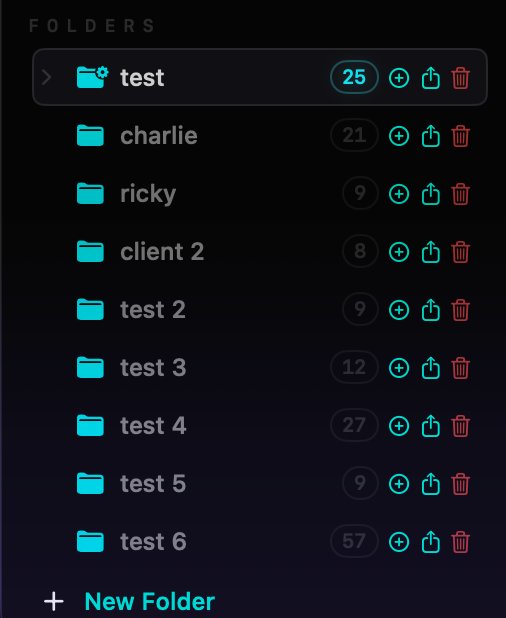
- Organize your libraryCreate folders, drag cards to organize, star files to add to Favorites.
- Your file cardsEvery file gets a live-thumbnail card. Right-click for more, search to filter.
- Click to previewSelect any card for file details, tags, notes, and a side-panel preview.
Pro
EVERYTHINGUnlock the studio. Pay once. Never asked again.
- Everything in Free, plus:
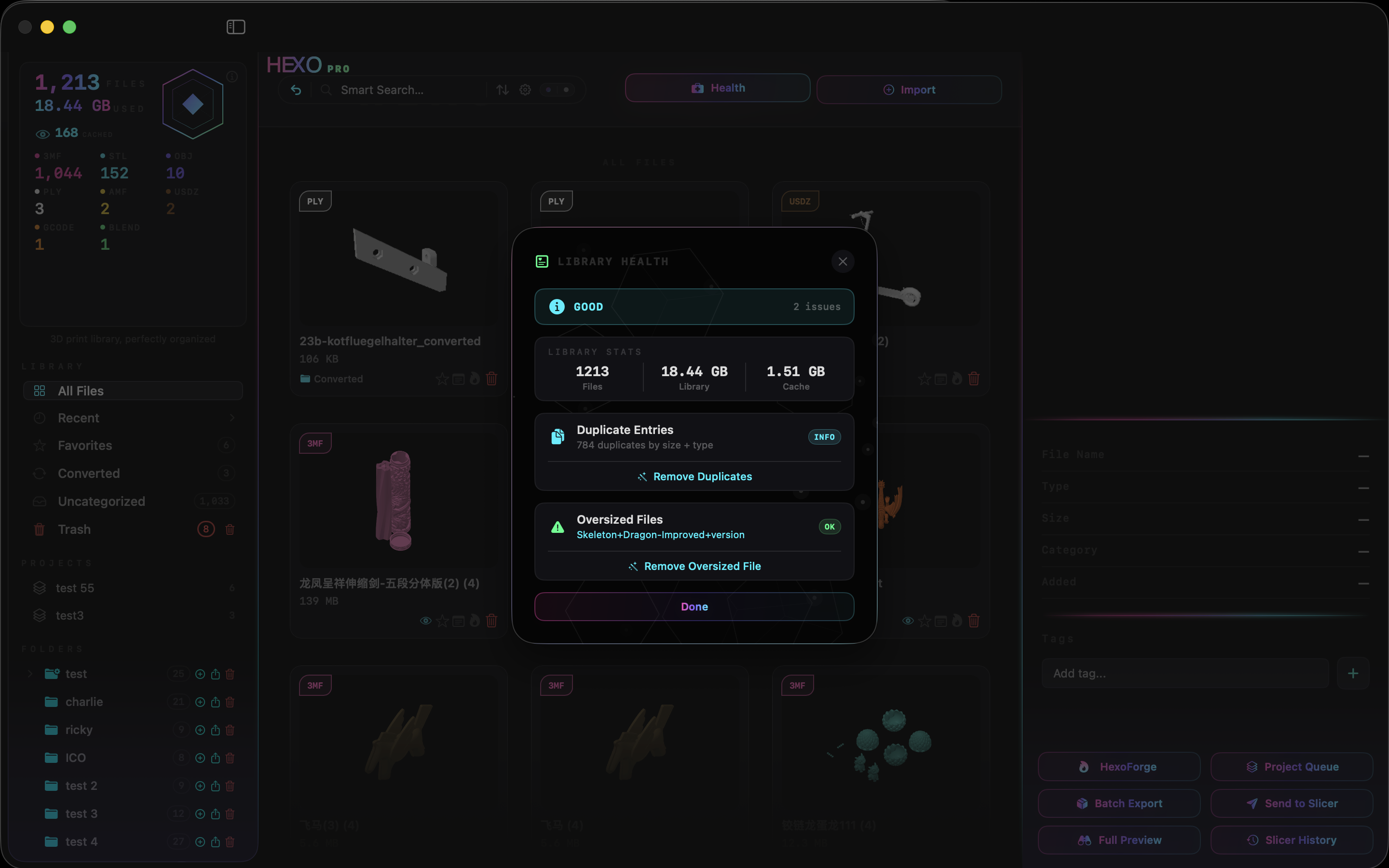
- Scan HealthFull library diagnostics with one-click fixes
- Unlimited ImportsNo caps, no limits — ever
- Unlimited 3D PreviewCinematic full-screen viewer for every file
- HexoForge ConversionConvert between STL, OBJ, PLY, 3MF, USDZ and more
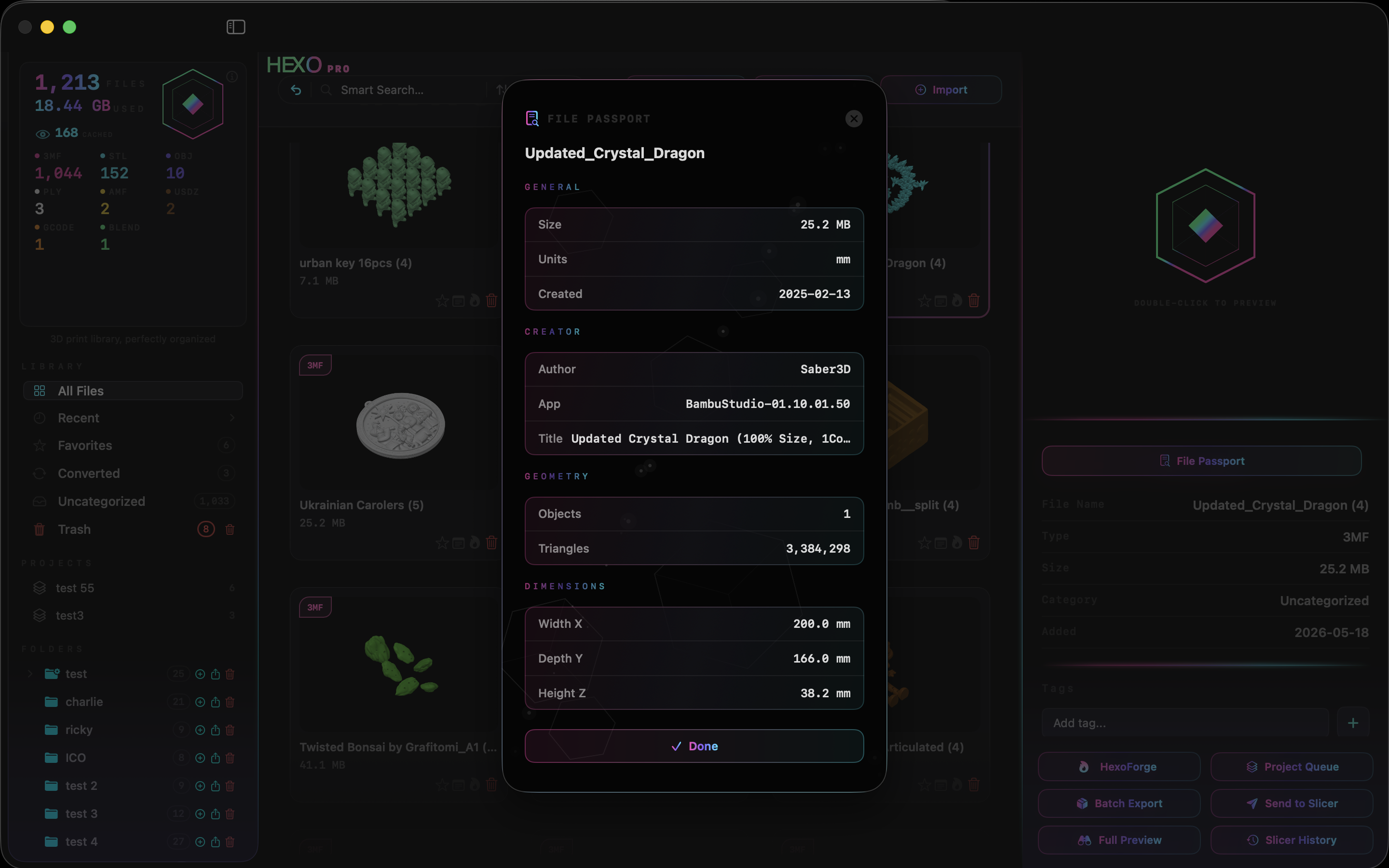
- File Passport, Notes & TagsFull metadata, annotations, and library filtering
- Subfolders & RenameFull hierarchy and file organization
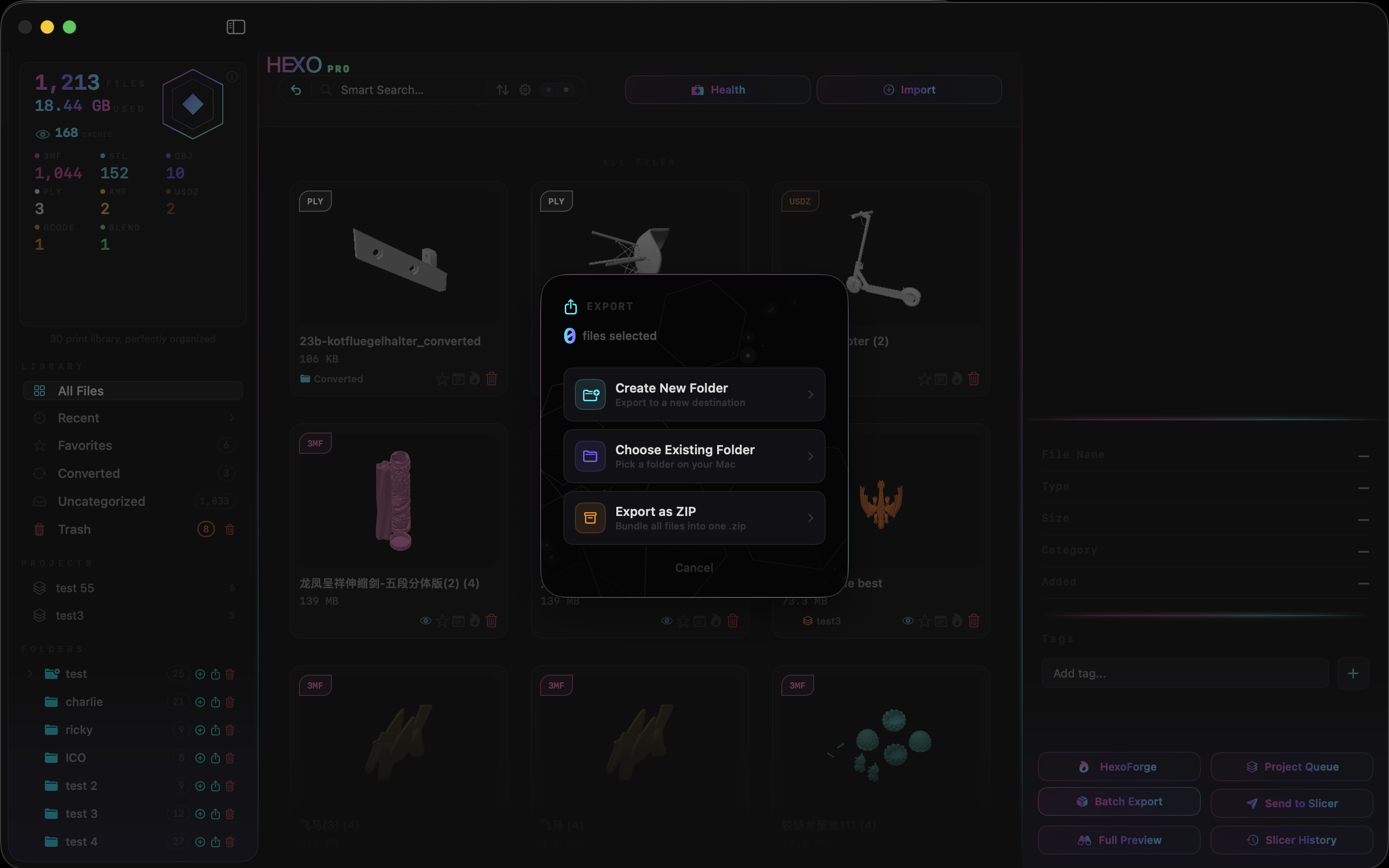
- Export, ZIP & Folder ExportBatch export, ZIP packages, and sidecar thumbnails
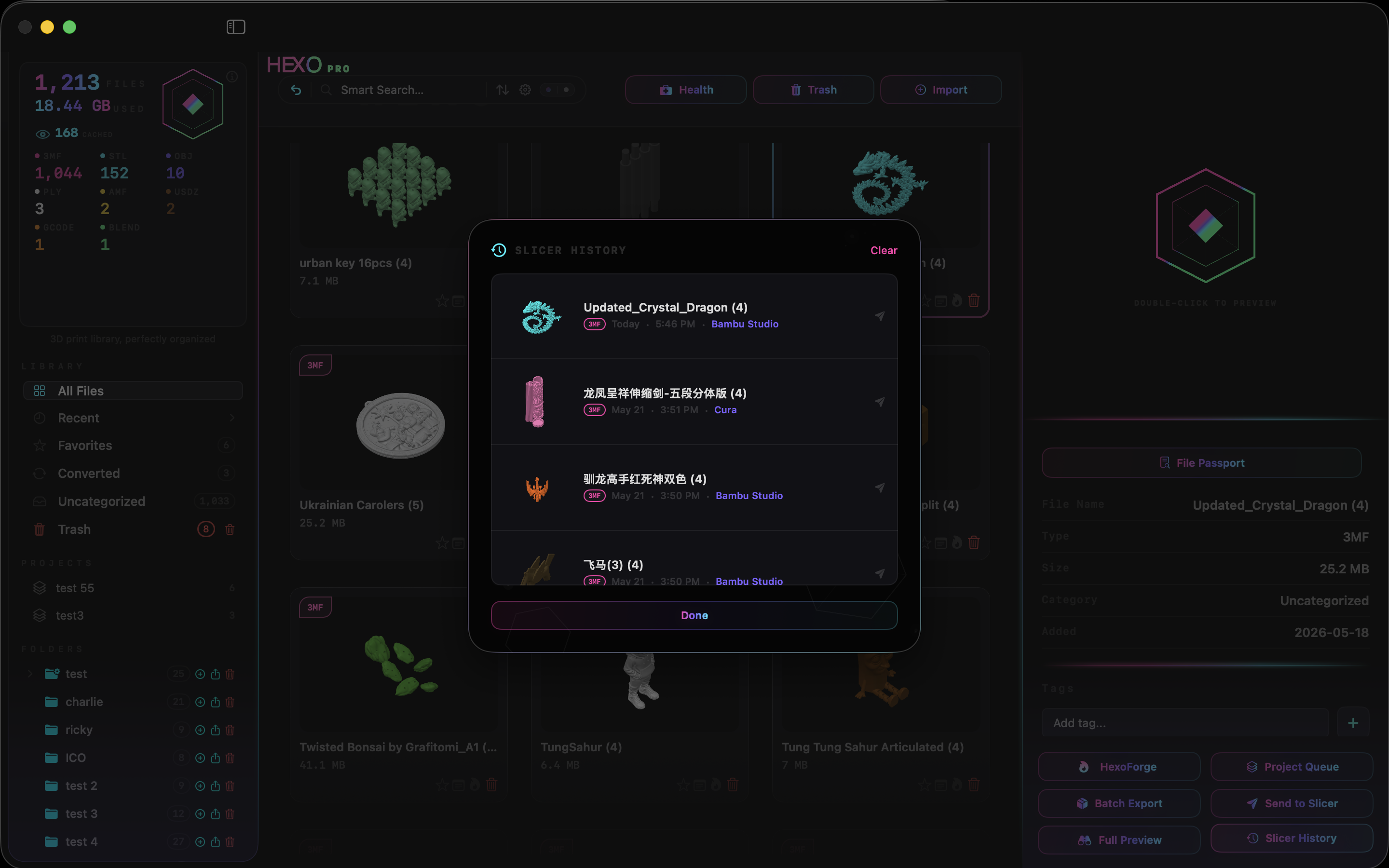
- Send to SlicerOne click to any slicer installed on your Mac
- Ambient LightingHolographic LED themes across your workspace
GET PRO
ONE-TIME PURCHASE · COMING SOON
Yourfilesdeserveabetterhome.
Stop digging through ~/Downloads. Stop renaming files at 1am. Start printing.